Setup Account Key
This guide walks you through integrating the RELM API into your eCommerce store by generating and configuring your integration keys.
Prerequisites
- Your onboarding must be approved by RELM.
- You must have received an email invitation to the Merchant Dashboard.
- Complete the sign-up process in the Merchant Dashboard to access integration settings.
Integration Steps
Step 1: Generate Integration Keys
- Log in to the Merchant Dashboard.
- Go to Settings > Integration Keys.
-
Click Create to generate your Client ID and Client Secret.

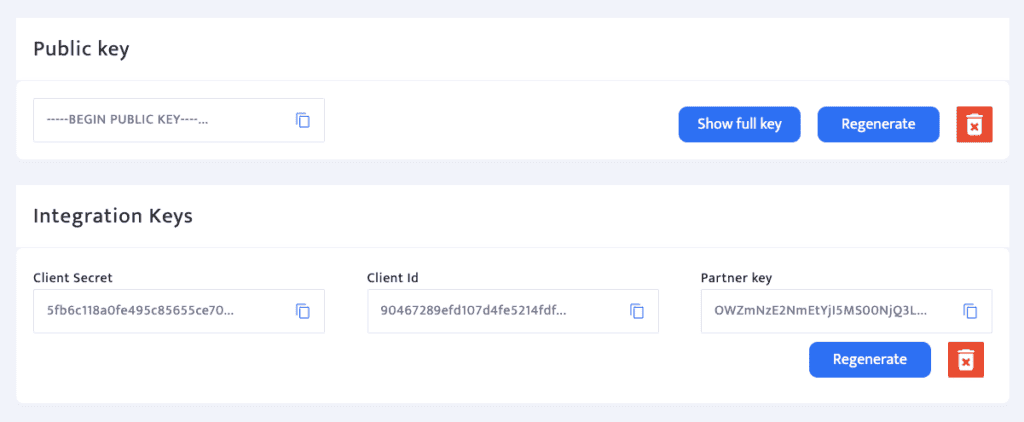
Your Client ID and Client Secret will appear as shown below:
Step 2: Retrieve Your Merchant ID
- Navigate to Settings > Business/Store Settings.
-
Find your Merchant ID at the top of the page.

Step 3: Submit Credentials
Email the following to support@relm.co:
- Client ID
- Client Secret
- Merchant ID