Generate Auth Key
Prerequisites
- Your onboarding must be approved by RELM.
Integration Steps
Step 1: Generate Integration Keys
- Log in to the Merchant Portal.
-
Click on profile icon and then Settings.

-
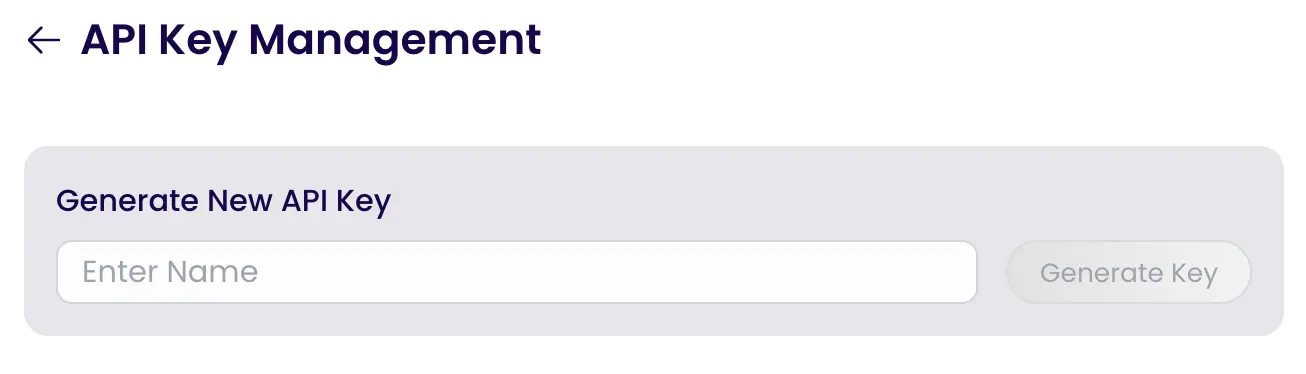
Click on API Key Management.
-
Give a name and click on Generate Key.
-
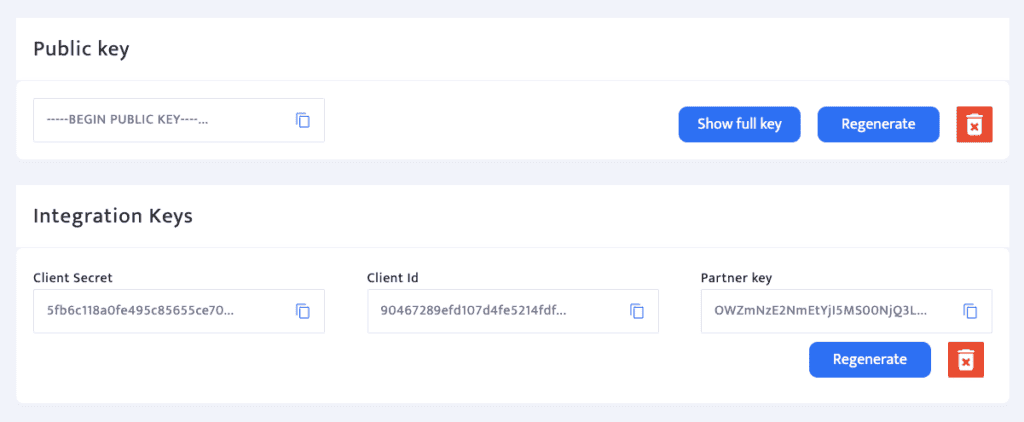
Securely store your all the keys shown below.

Step 2: Generate Signature for Order Creation
- Visit the link and generate the Signature for Order Creation explain on next article.